

Chapter 4: Working with Lists and Dictionaries
Original notes — ready CBSE (NCERT, English Medium) • Class 11 • Computer Science • Book: Informatics Practices
Chapter 4: Working with Lists and Dictionaries — EG's own notes, in simple words
Book: Informatics Practices (CBSE, Class 11) | Chapter 4 | Medium: English
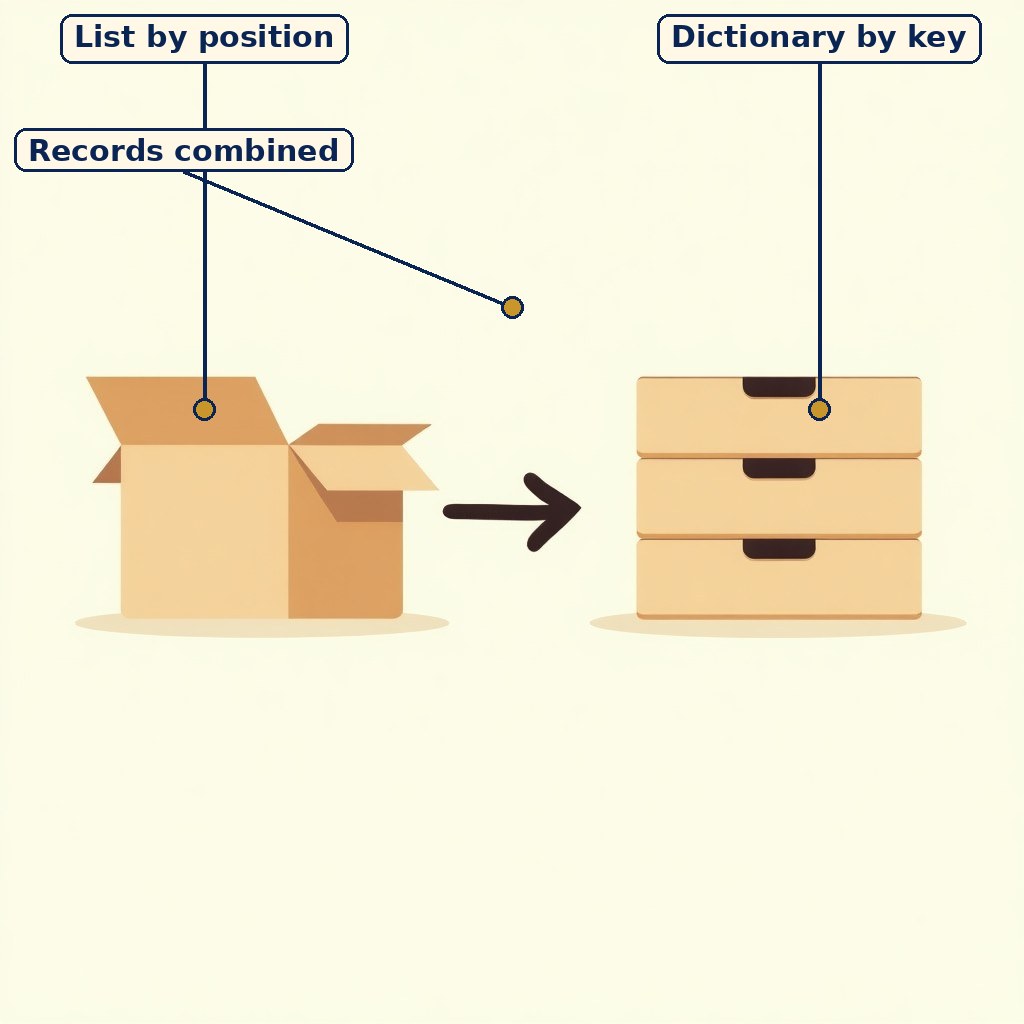
Diagram (labels on the image): Diagram (labels on the image): two containers for data — a list reached by position, a dictionary reached by key, and records combining both.

Sorting records: position for order, keys for names.
1. 1. Lists in depth
A list is an ordered, mutable collection: marks = [70, 85, 90, 88]. Indexing starts at 0 (marks[0] is 70), negative indices count from the end (marks[-1] is 88), and slicing [start:stop] excludes the stop. Lists can hold mixed types, though data work usually keeps one kind per list.
Changing a list: append(x) adds at the end, insert(i, x) adds at a position, extend() adds many items, remove(x) deletes by value, pop(i) deletes by position and returns the item, sort() orders in place, reverse() flips the order.
2. 2. Processing lists for data
Data tasks on lists include total (sum()), count (len()), average (sum/len), maximum (max()) and minimum (min()). Traversal with a for loop handles custom jobs, such as counting marks above 90: count = 0; for m in marks: if m >= 90: count = count + 1.
Nested lists store tables: class_marks = [[70, 85], [90, 88]] holds two students' two marks each, reached as class_marks[1][0] (second student, first mark).
3. 3. Dictionaries in depth
A dictionary maps unique keys to values: fees = {“Asha”: 500, “Rahul”: 600}. Values are reached by key (fees[“Asha”] gives 500), added or changed by assignment, and removed with pop(key) or del. keys(), values() and items() list each part, and get(key, default) returns a default instead of an error for a missing key.
Original example: a class register as a dictionary keyed by roll number lets a teacher find any student's record instantly, without searching position by position.
4. 4. Lists and dictionaries together
Real data mixes both: a list of dictionaries can hold a whole class, one dictionary per student: students = [{“name”: “Asha”, “marks”: 88}, {“name”: “Rahul”, “marks”: 92}]. Looping over the list and reading each dictionary's keys is the core pattern of data processing, and it leads directly to tables in the database chapters.
At a glance — chart / table
| Need | Best container | Why |
|---|---|---|
| Marks in roll order | List | Order matters, reached by position |
| Marks by subject name | Dictionary | Reached by meaningful key |
| Fixed coordinates | Tuple | Should not change |
| Whole class records | List of dictionaries | Many records, each with named fields |
Key Terms / Important Terms
- List — An ordered, mutable collection.
- Dictionary — Key–value pairs, reached by key.
- Key — A unique label for a value in a dictionary.
- Nested list — A list containing other lists.
- Traversal — Visiting each item in turn.
- append() — Adds an item at the end of a list.
- sort() — Orders a list in place.
- get() — Returns a value or a default for a missing key.
Remember
- List: position-based, mutable, brackets [ ]; dictionary: key-based, braces { }.
- remove by value, pop by position (and pop returns the item).
- sort() works in place and returns None — never assign its result.
- List of dictionaries = the standard shape for a set of records.
Exam Tip / Common Mistake
Common mistake: using a list position to find a named record (which student is at index 7?) instead of a dictionary key. If you need a name, use a key.
Practice set — try it yourself
- For marks = [70, 85, 90, 88], give marks[0], marks[-1] and marks[1:3]. Hint: Hint: Indices start at 0; slicing excludes the stop.
- Write original code to count marks above 90 in a list. Hint: Hint: Traverse, test each item, count the matches.
- Write an original dictionary of three students' fees and print one student's fee. Hint: Hint: Keys are names, values are fees, reach by key.
- Why is a list of dictionaries a good shape for a class register? Hint: Hint: Many records, each with the same named fields.
- A list must stay unchanged after creation. Which container should replace it, and why? Hint: Hint: A fixed collection needs an immutable container.
Questions with Answers
- Distinguish a list from a dictionary with one original example each. Answer: Answer: A list is ordered and reached by position, e.g. marks = [70, 85, 90] with marks[0] = 70. A dictionary is reached by key, e.g. fees = {“Asha”: 500} with fees[“Asha”] = 500.
- Write original code to find the average of a marks list. Answer: Answer: marks = [70, 85, 90, 88]; avg = sum(marks) / len(marks); print(avg). This prints 83.25.
- Distinguish append() from insert() from extend(). Answer: Answer: append(x) adds one item at the end; insert(i, x) adds one item at position i; extend() adds all items of another list at the end.
- How does get() improve on direct key access? Answer: Answer: Direct access fees[“Meera”] raises an error if the key is missing. fees.get(“Meera”, 0) returns the default 0 instead, so the program continues safely.
- Write original code for a list of two student dictionaries and print each name. Answer: Answer: students = [{“name”: “Asha”, “marks”: 88}, {“name”: “Rahul”, “marks”: 92}]; for s in students: print(s[“name”]). This prints Asha then Rahul.