

Chapter 3: Brief Overview of Python
Original notes — ready CBSE (NCERT, English Medium) • Class 11 • Computer Science • Book: Informatics Practices
Chapter 3: Brief Overview of Python — EG's own notes, in simple words
Book: Informatics Practices (CBSE, Class 11) | Chapter 3 | Medium: English
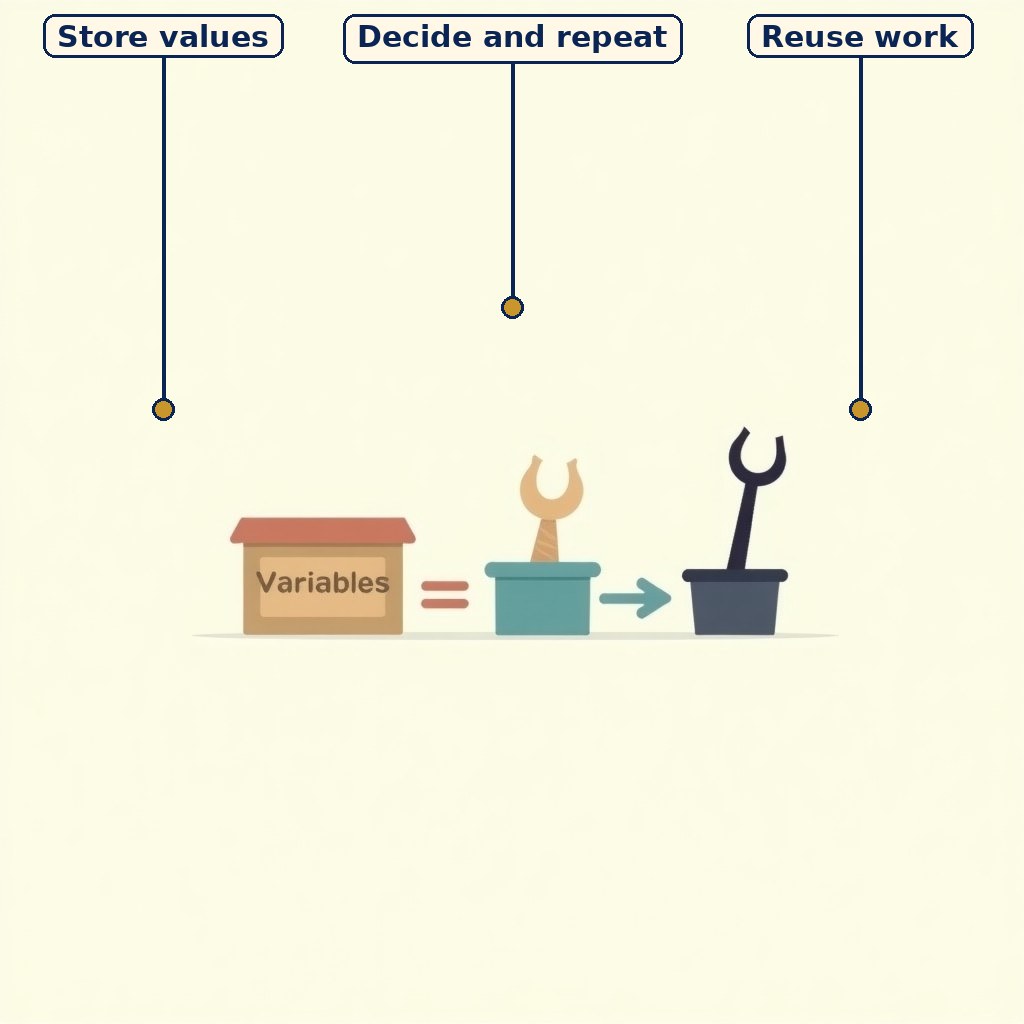
Diagram (labels on the image): Diagram (labels on the image): the Python toolkit in brief — store values, decide and repeat, and reuse work as functions.

A first script: read, compute, print — the pattern behind every data task.
1. 1. Python in one chapter
This chapter is a fast tour of Python for students who will use it for data work. Python is easy to read, runs line by line through an interpreter, and has ready-made tools for numbers, text and lists. The tour covers values and variables, input and output, conditions, loops, and lists and dictionaries in brief — later chapters deepen each one.
Python runs in interactive mode (one line at a time, instant answers) and script mode (a saved file run as a whole).
2. 2. Variables, types and input
A variable is a named box for a value: total = 450 stores 450 under total. Types include int (whole numbers), float (decimals), str (text) and bool (True/False). Python chooses the type from the value.
Original example: price = int(input(“Price: ”)) reads text and converts it to a whole number, because input() always returns a string. Forgetting this conversion is the most common beginner error: without it, “40” + “60” joins to “4060” instead of adding to 100.
3. 3. Conditions, loops and functions in brief
Conditions choose paths: if score >= 33: print(“Pass”) else: print(“Fail”). Loops repeat: for m in marks: total = total + m adds a list of marks, and while loops repeat until a condition fails. Indentation marks blocks, so spacing is part of the program, not decoration.
Functions package a job for reuse: def average(a, b): return (a + b) / 2 defines one, and average(80, 90) calls it. Later chapters use these tools for real data tasks.
4. 4. Lists and dictionaries in brief
A list is an ordered, changeable collection: marks = [70, 85, 90], with append() adding at the end and marks[0] reaching the first item. A dictionary stores named pairs: result = {“Hindi”: 88, “Maths”: 92}, with result[“Maths”] giving 92.
Together, lists and dictionaries are the basic containers for data work in Python, and the next chapter studies them in depth.
At a glance — chart / table
| Tool | What it does | Original example |
|---|---|---|
| Variable | Stores a value by name | total = 450 |
| input() | Reads text from user | int(input(“Price: ”)) |
| if / else | Chooses a path | if score >= 33: print(“Pass”) |
| for loop | Repeats over items | for m in marks: total += m |
| List | Ordered changeable collection | [70, 85, 90] |
| Dictionary | Named key–value pairs | {“Hindi”: 88} |
Key Terms / Important Terms
- Variable — A named storage location for a value.
- Data type — The kind of a value: int, float, str, bool.
- Interpreter — A translator running a program line by line.
- Condition — A True/False test controlling a branch.
- Loop — A block repeated while or for items.
- Function — A named reusable block of code.
- List — An ordered, mutable collection.
- Dictionary — A collection of key–value pairs.
Remember
- input() returns a string — convert with int() or float() before maths.
- Indentation defines blocks; wrong spacing changes the program.
- if chooses, for repeats over items, while repeats until a condition fails.
- List = ordered and changeable; dictionary = reached by key, not position.
Exam Tip / Common Mistake
Common mistake: writing if score = 33 instead of if score == 33. One = stores a value, two == compares values — in a condition you almost always need ==.
Practice set — try it yourself
- Predict: x = input value “40” + input value “60” without conversion. Explain. Hint: Hint: input() gives strings, and + joins strings.
- Write original code to read two prices and print their total. Hint: Hint: Convert each input with int() before adding.
- Write original code to print “Pass” or “Fail” for a score. Hint: Hint: Use if/else with the pass mark 33.
- Write original code to add all marks in a list using a loop. Hint: Hint: Start total at 0 and add each item in turn.
- When would you use a dictionary instead of a list for student marks? Hint: Hint: Think about reaching a mark by subject name.
Questions with Answers
- What does input() return, and why does it matter? Answer: Answer: input() always returns a string. It matters because arithmetic on strings joins them instead of adding: “40” + “60” gives “4060”. Converting with int() or float() first gives the numeric sum 100.
- Write original code to read a student's name and three marks and print the average. Answer: Answer: name = input(“Name: ”); m1 = int(input(“Mark 1: ”)); m2 = int(input(“Mark 2: ”)); m3 = int(input(“Mark 3: ”)); avg = (m1 + m2 + m3) / 3; print(name, “average:”, avg).
- Distinguish a list from a dictionary. Answer: Answer: A list is an ordered collection reached by position, e.g. marks[0]. A dictionary is a collection of key–value pairs reached by a meaningful key, e.g. result[“Maths”].
- What is a function, in one sentence, with one original example? Answer: Answer: A function is a named, reusable block of code doing one job, e.g. def average(a, b): return (a + b) / 2, called as average(80, 90).
- Why is indentation important in Python? Answer: Answer: Because indentation defines blocks: statements at the same indentation belong together under an if, loop or function. Wrong indentation changes which statements belong to the block and therefore changes what the program does.